


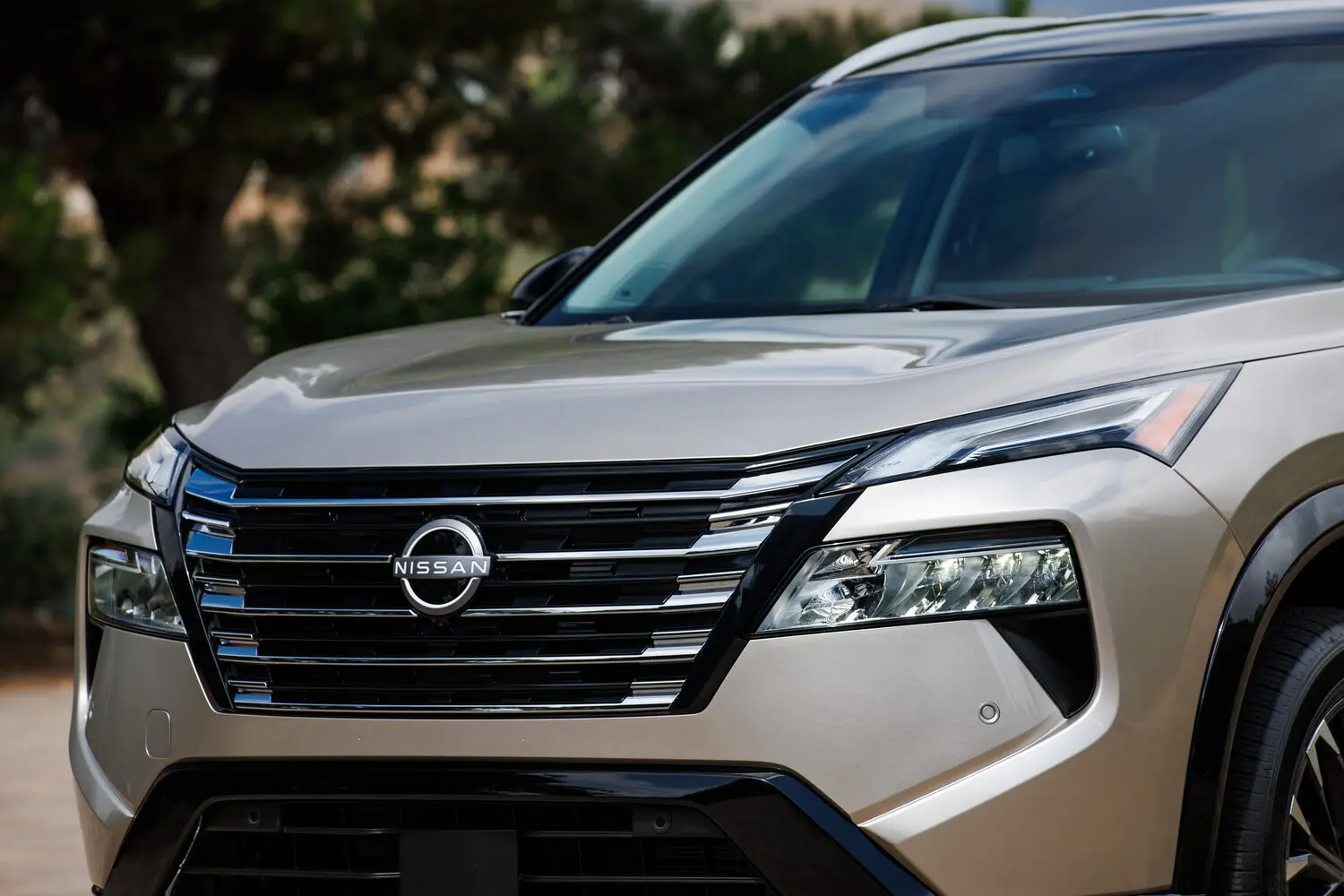
How To Set Nissan Cruise Control
Cruise control is a helpful feature in many Nissan vehicles, allowing drivers to maintain a set speed on highways without constantly pressing the accelerator. Using cruise control effectively not only reduces fatigue on long drives but can also improve fuel efficiency. Below, we’ll guide you through setting cruise control in your Nissan and making the most of this convenient feature.
Step 1: Understand Your Nissan’s Cruise Control System
Nissan models typically offer two types of cruise control:- Standard Cruise Control, which maintains a fixed speed.
- Intelligent Cruise Control, available in newer models, which automatically adjusts speed based on traffic ahead.
Step 2: Activate Cruise Control
Once you reach your desired speed — typically above 25 mph — press the Cruise Control ON button. This activates the system, but doesn’t set a speed yet. A cruise control indicator light should appear on your dashboard.Step 3: Set and Adjust Speed
To set your current speed, press the SET button. Your Nissan will maintain this speed until you intervene.- Use the + or - buttons to increase or decrease your speed in small increments, usually 1 mph per press.